Accessibility is your superpower

Guest Speaker at Stella Maris College, Chennai

  • Role: Guest Speaker
  • Audience: Undergraduate students
  • Focus: Accessibility, Inclusive Design, User Experience Design, Design Thinking

About the session

I had the opportunity to return to Stella Maris College, Chennai, my alma mater, to deliver a session on Accessibility and Inclusion in Design.

The presentation focused on why accessibility should be considered a fundamental part of the design process rather than an afterthought. Through real-world examples and practical design considerations, I explored how inclusive design helps remove barriers, improves usability, and creates better experiences for people with diverse abilities, technologies, and contexts of use.

The session encouraged students to think beyond academic requirements and consider the real people who interact with the products and services they design. It was a valuable opportunity to share industry perspectives on designing with empathy, accessibility, and inclusion at the forefront.
Presentation slides

  1. Slide 1: Designing without Barriers — Accessibility is your secret superpower. Gayathri Muthalagu, Product Designer at Compass Education.
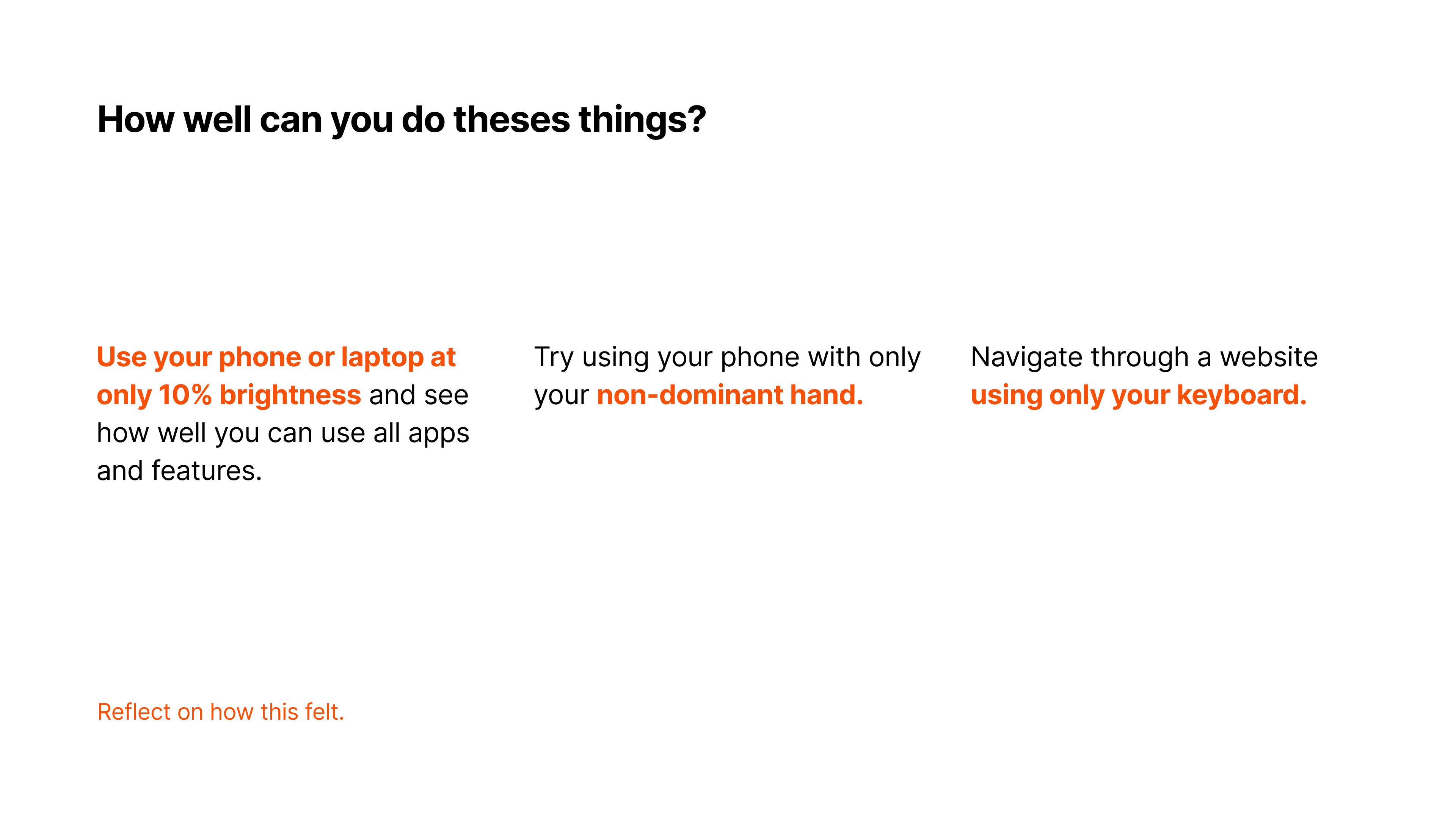
  2. Slide 2: How well can you do these things? Use your phone at 10% brightness, try your non-dominant hand, and more accessibility exercises.
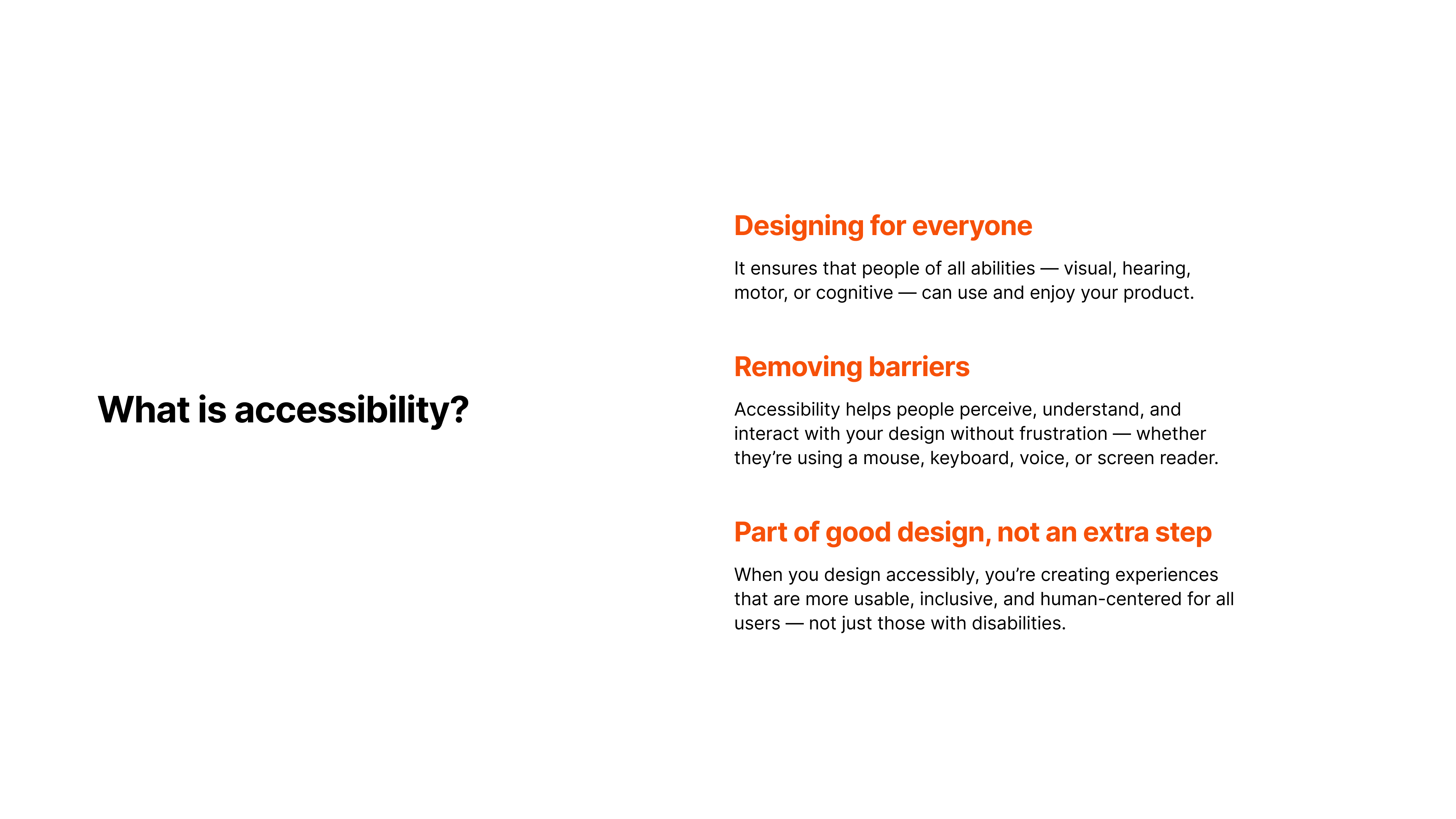
  3. Slide 3: What is accessibility? Designing for everyone — visual, hearing, motor, and cognitive abilities.
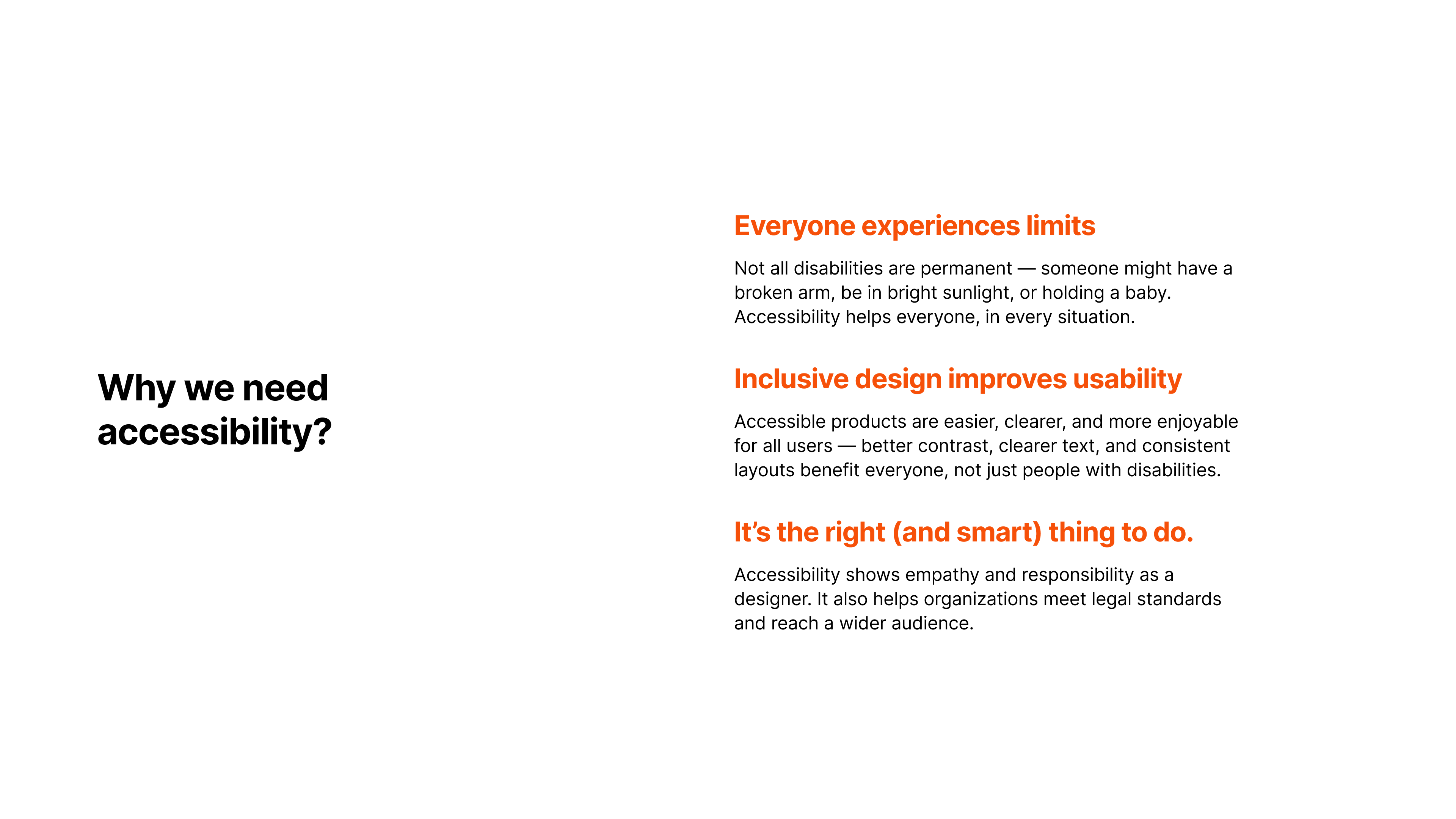
  4. Slide 4: Why we need accessibility — everyone experiences limits, and accessibility helps in every situation.
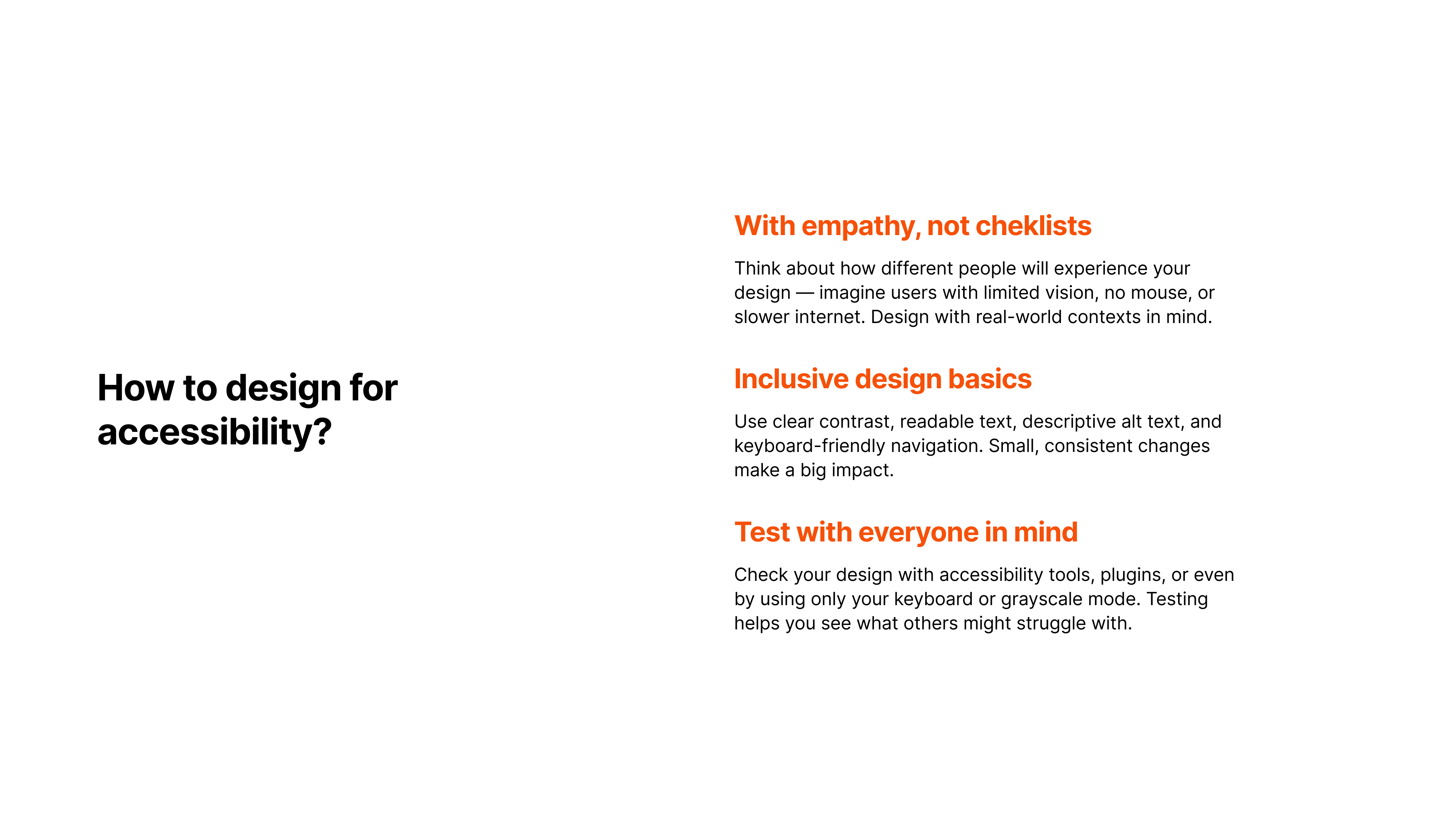
  5. Slide 5: How to design for accessibility — with empathy, not checklists, and real-world contexts in mind.
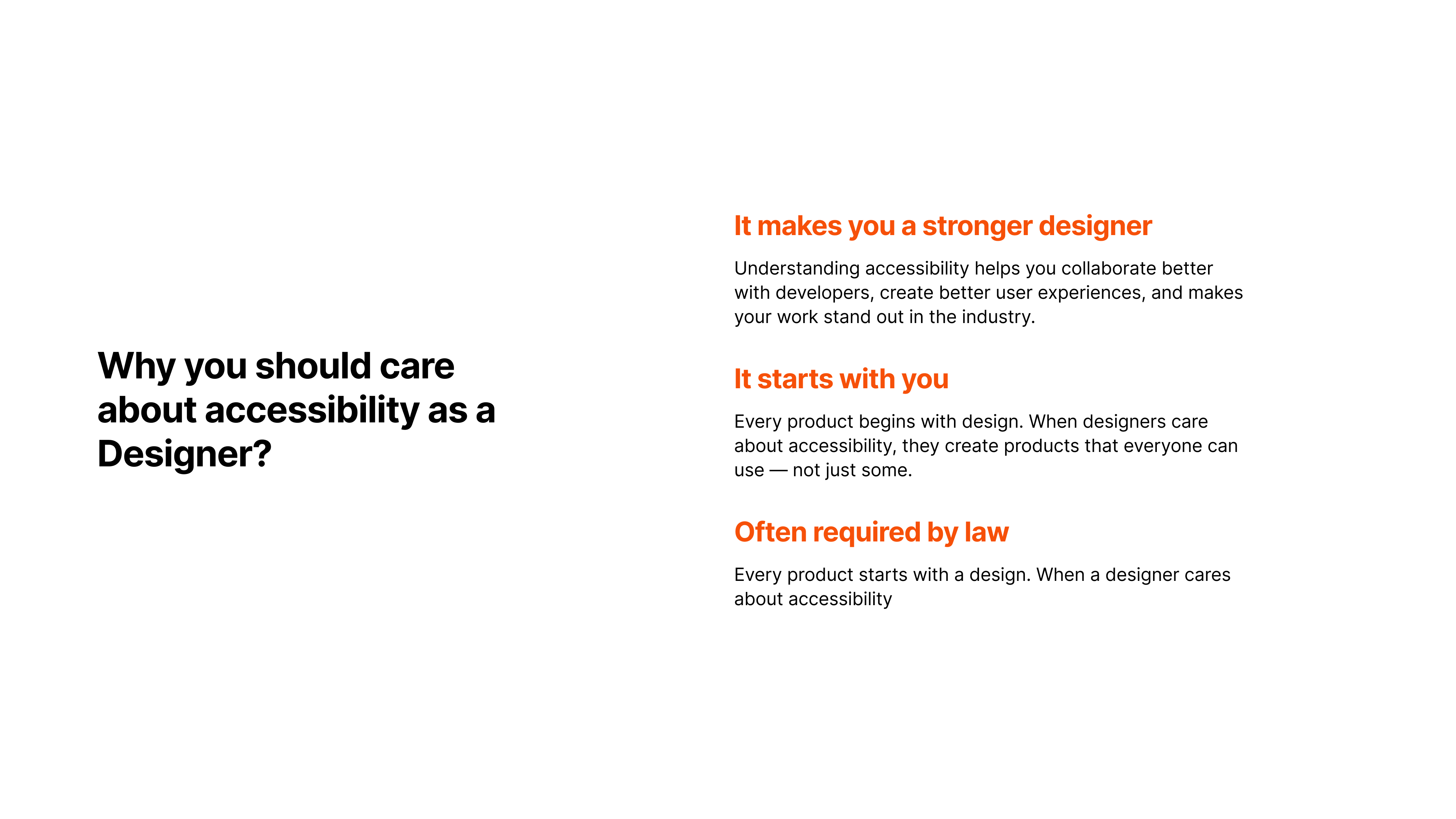
  6. Slide 6: Why you should care about accessibility as a designer — stronger design, better collaboration, and standout work.
  7. Slide 7: What does this button say? Click me! — low-contrast button example.
  8. Slide 8: What does this button say? Click me! — improved contrast button example.
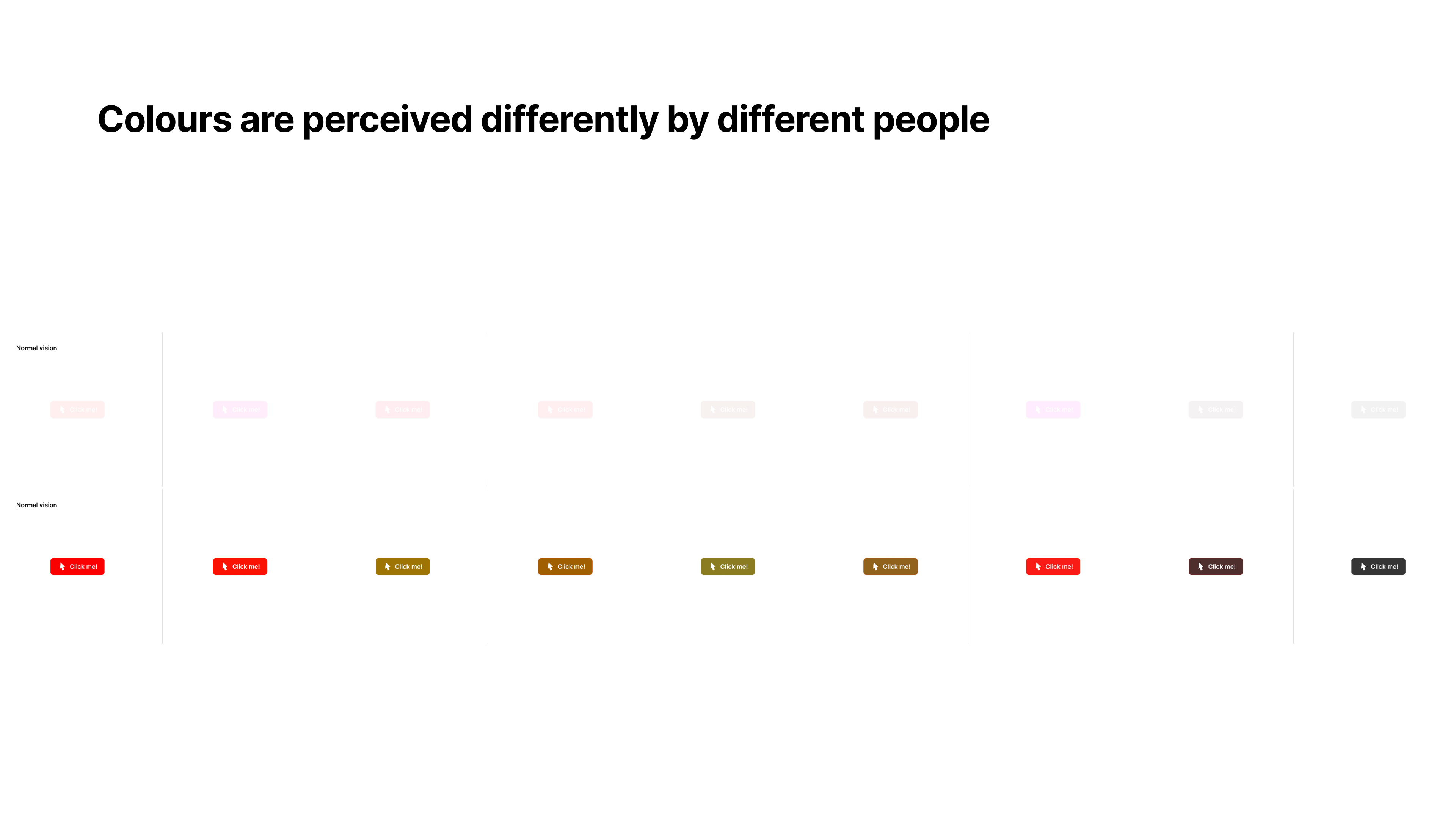
  9. Slide 9: Colours are perceived differently by different people.
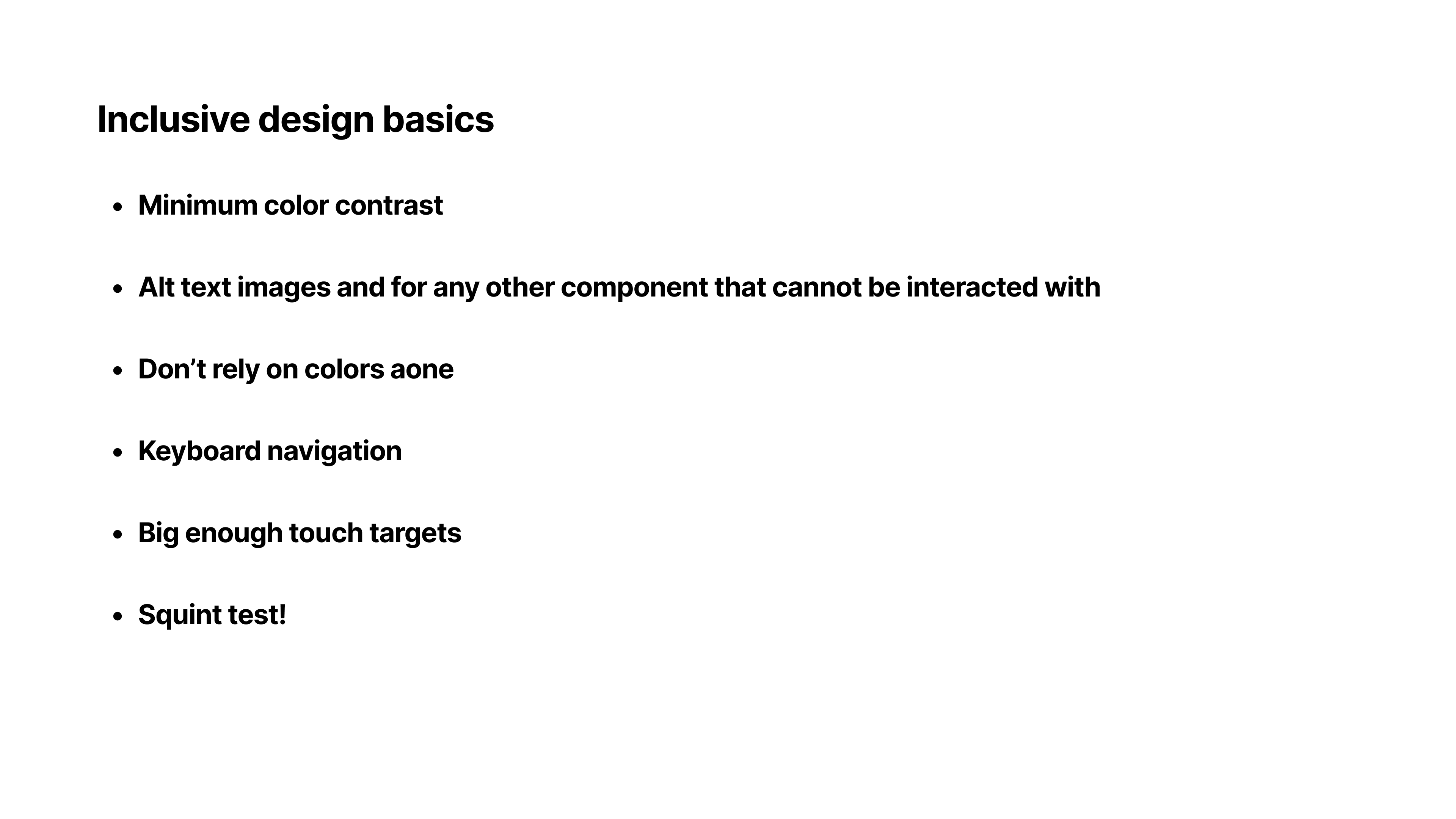
  10. Slide 10: Inclusive design basics — minimum color contrast and alt text for images and non-interactive components.
  11. Slide 11: Design is only complete when everyone can use it. Thank you!