
Accessibility is your superpower
I had the opportunity to return to Stella Maris College, Chennai, my alma mater, to deliver a session on Accessibility and Inclusion in Design.
About the session
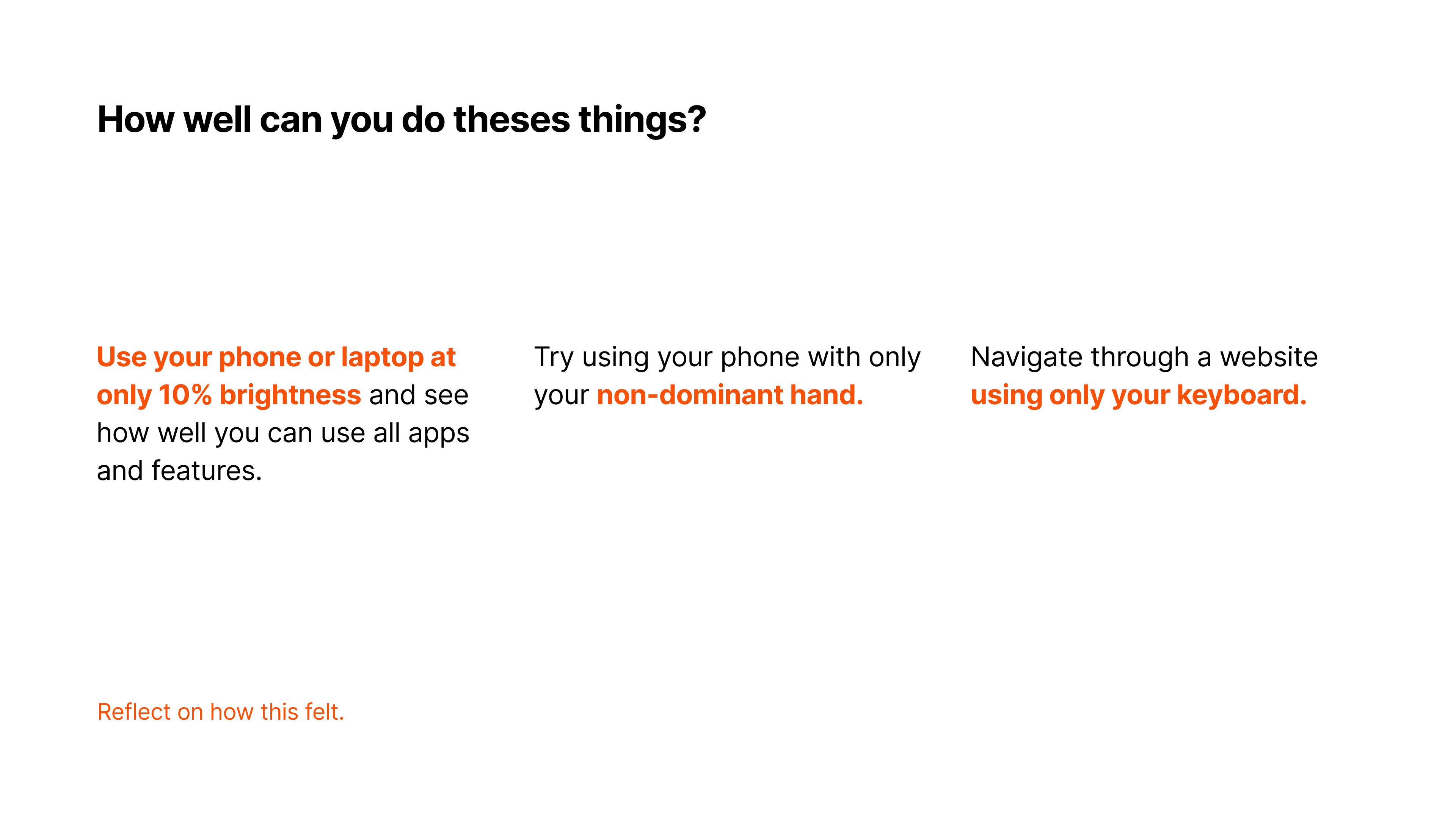
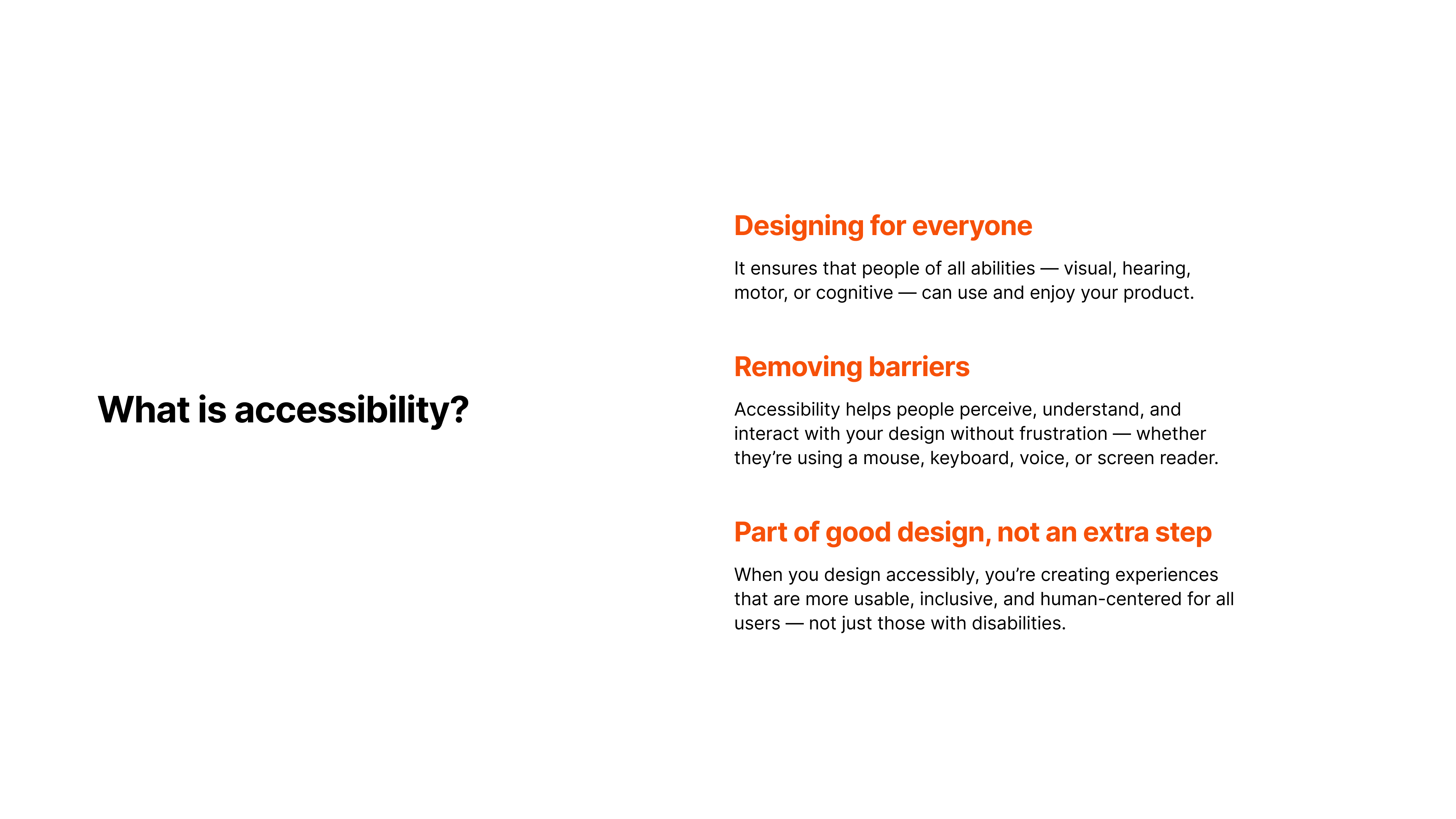
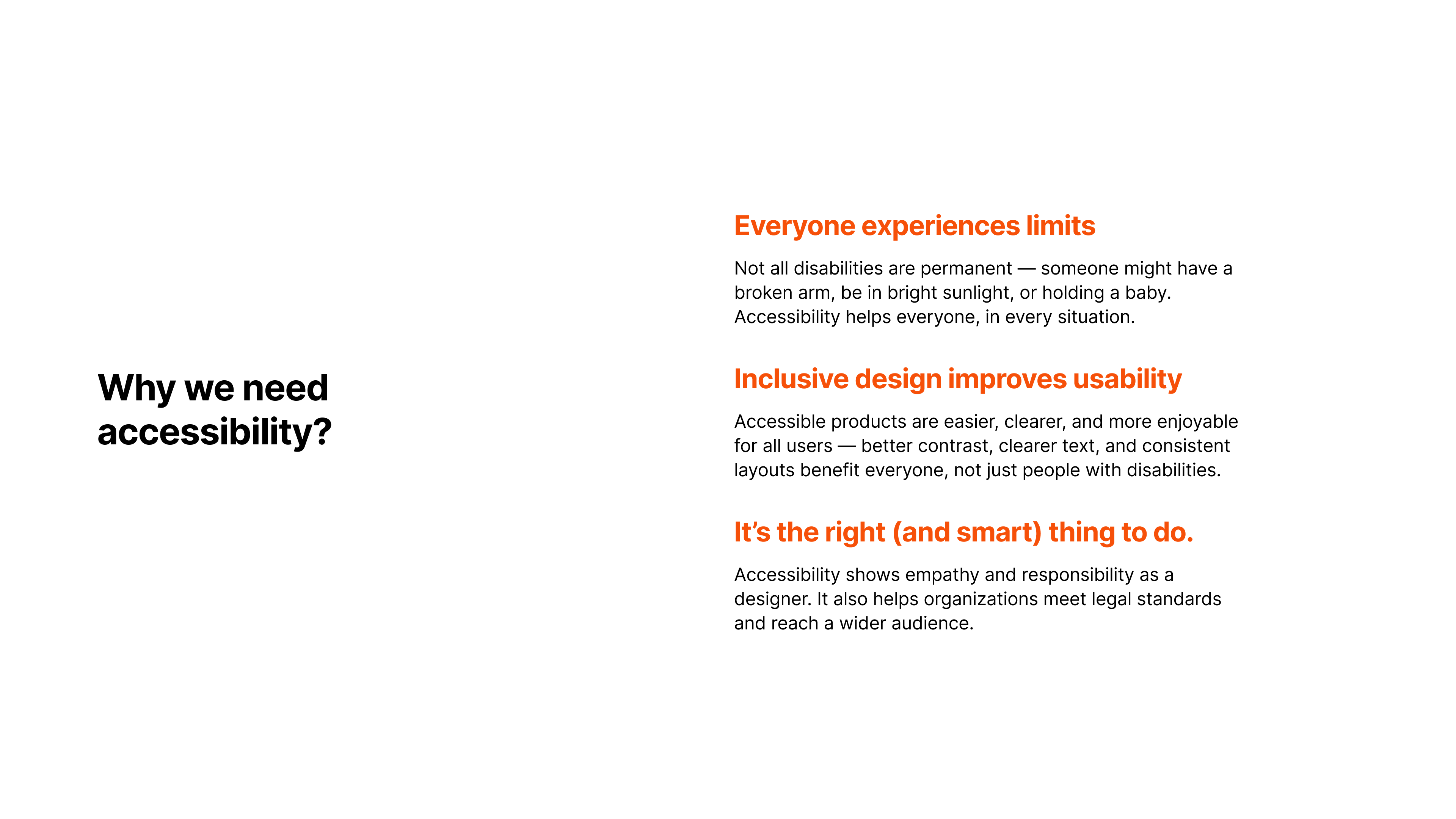
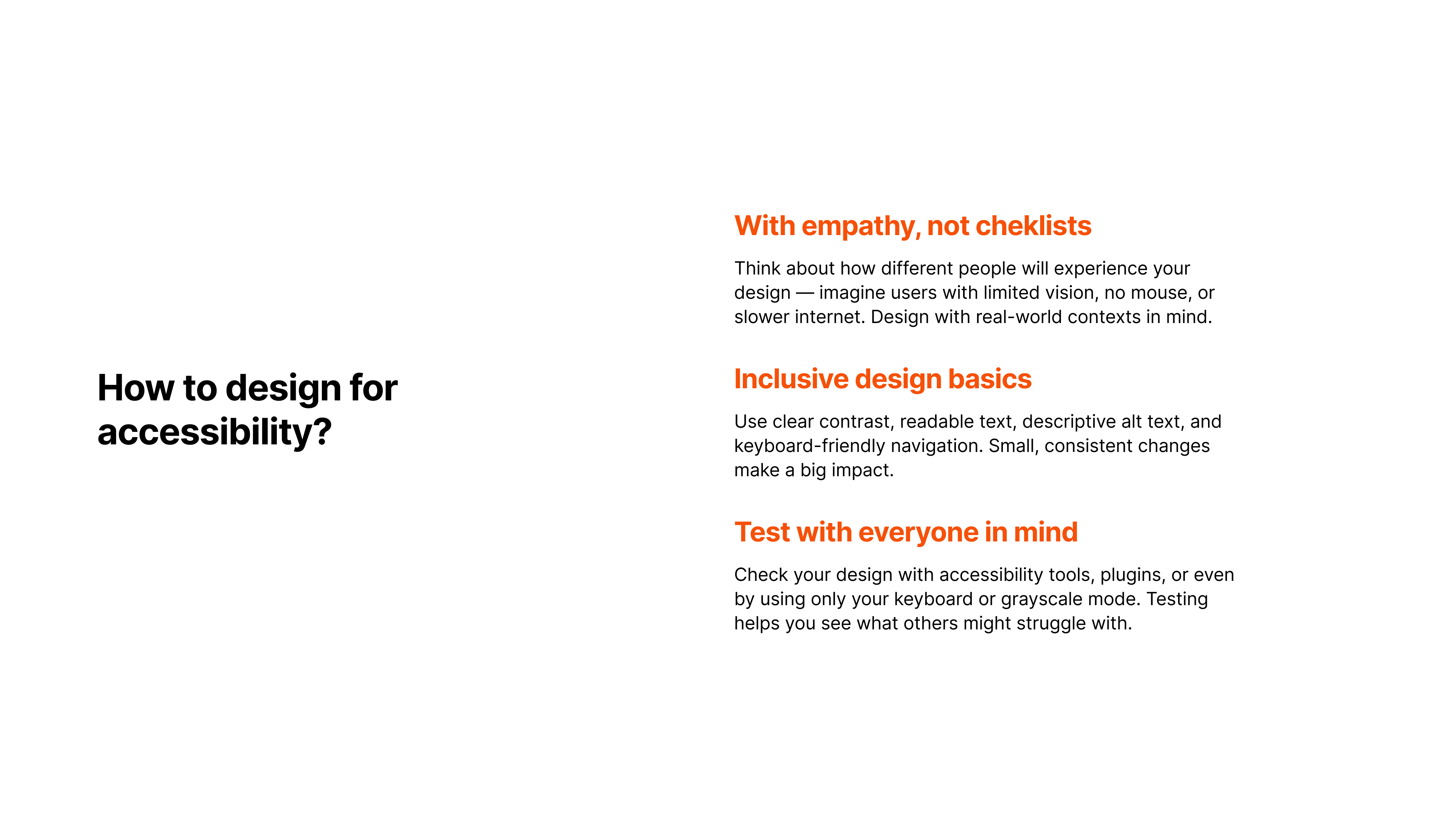
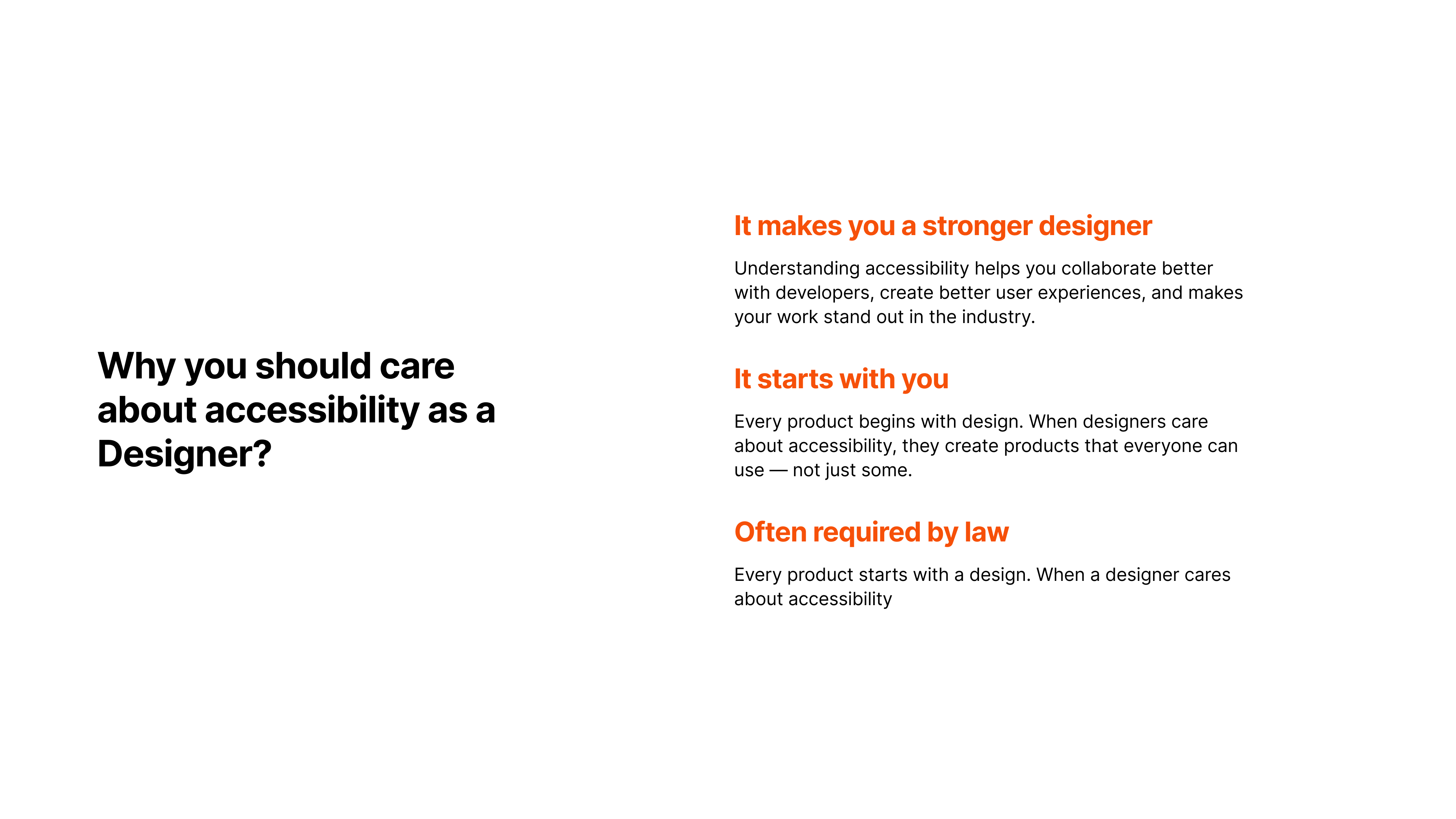
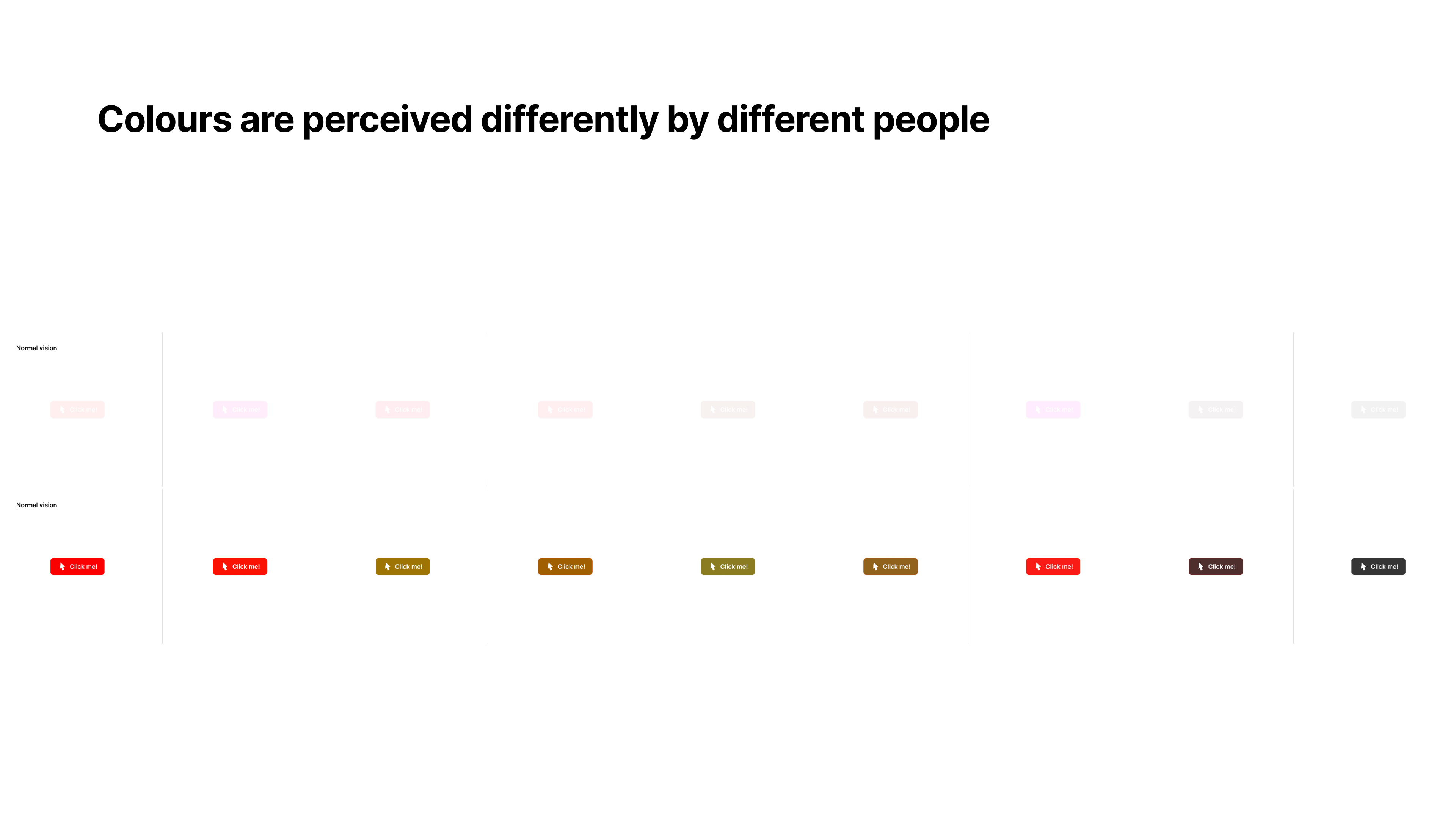
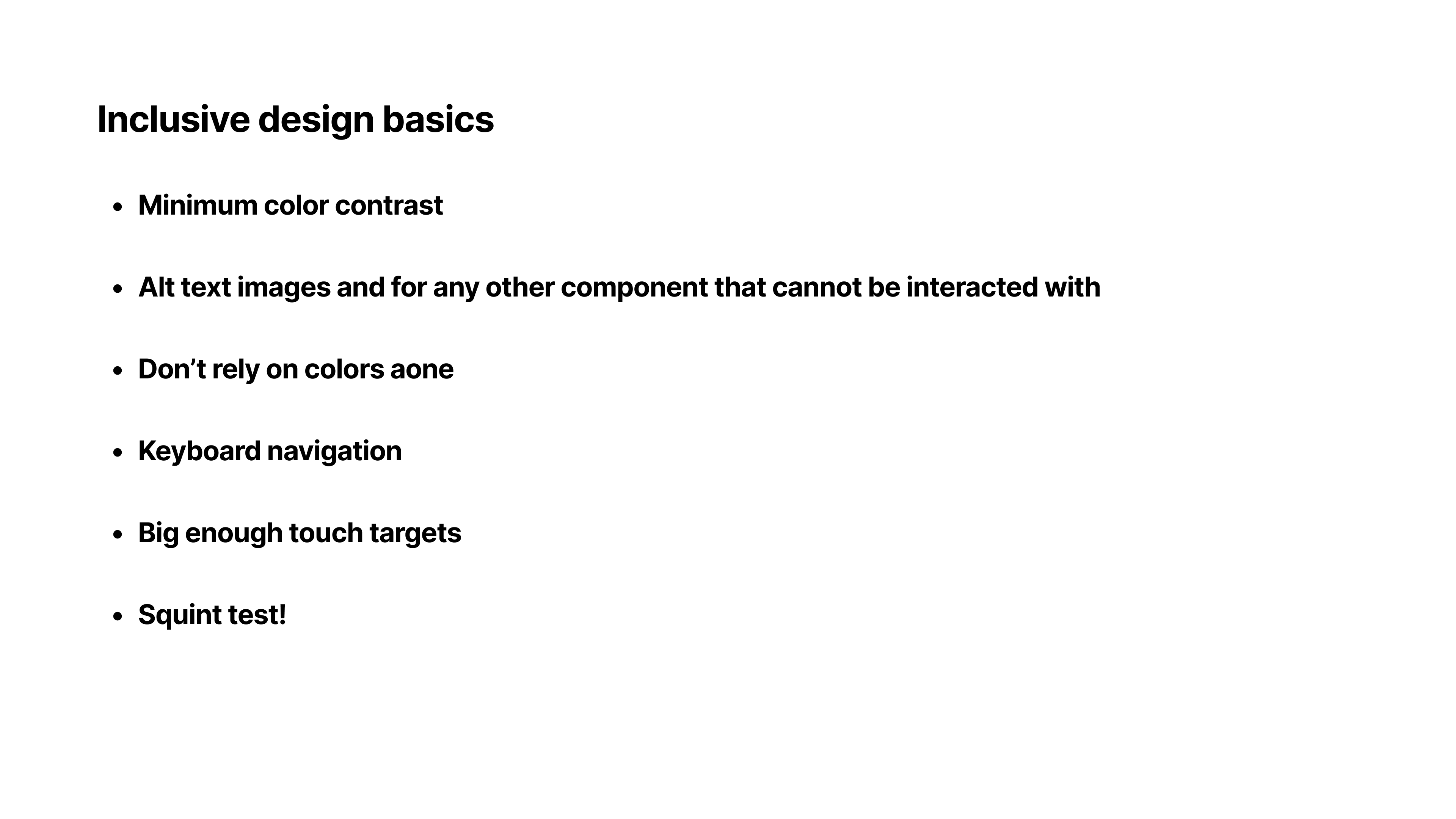
The presentation focused on why accessibility should be considered a fundamental part of the design process rather than an afterthought. Through real-world examples and practical design considerations, I explored how inclusive design helps remove barriers, improves usability, and creates better experiences for people with diverse abilities, technologies, and contexts of use.
The session encouraged students to think beyond academic requirements and consider the real people who interact with the products and services they design. It was a valuable opportunity to share industry perspectives on designing with empathy, accessibility, and inclusion at the forefront.
This session was for undergraduate students who were starting, or considering taking, a design module. The college had just introduced a new Design Thinking subject, so it was a great opportunity to introduce them to accessibility. :D
Presentation slides


Thoughts
I had a fun time during this presentation! I got to go back to college and catch up with my Professors.
It’s really nice to see Colleges and Universities try and include Design as their subject offerings.
It’s also refreshing to see students show interest in Design Thinking and Accessibility. I really hope I got to get students to see accessibility a part of Design rather than an after thought! :)
This session was for undergraduate students who were starting, or considering taking, a design module. The college had just introduced a new Design Thinking subject, so it was a great opportunity to introduce them to accessibility. :D
Reach out to me
Interested in looking at the full works or want to connect? Send me a message and I’ll get back to you.